Connecting
PuppyGraph connects to diverse data sources to construct detailed graph models. A connection to a data source is defined as a catalog.
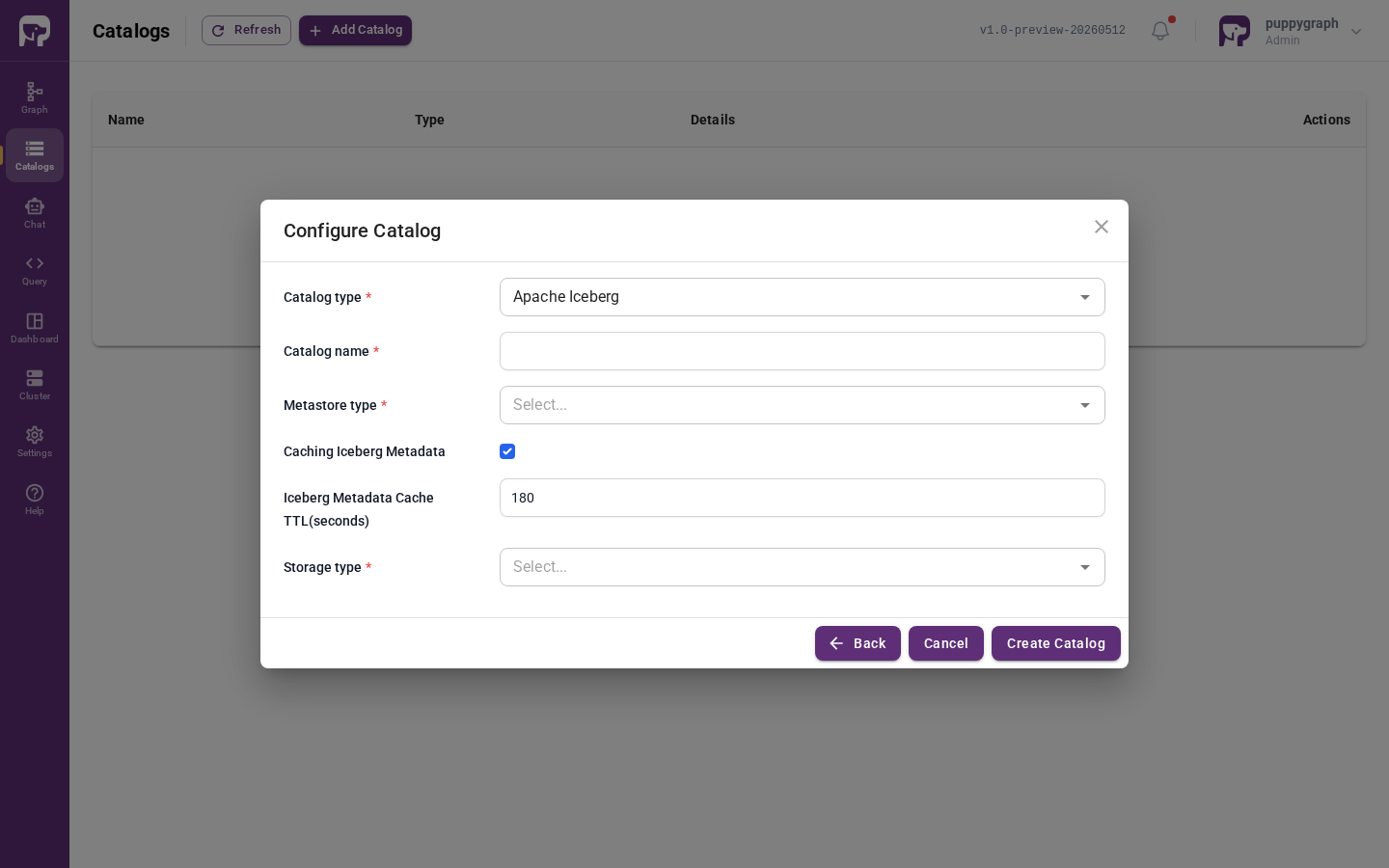
To create a catalog, open the Catalogs page in the Web UI, click Add Catalog, pick the catalog type, and fill in the connection parameters. Here is a sample form for creating an Apache Iceberg catalog:
Supported data sources
Each page below covers the connection parameters and any source-specific setup:
- Connecting to AlloyDB
- Connecting to BigQuery
- Connecting to ClickHouse
- Connecting to Delta Lake
- Connecting to DuckDB
- Connecting to Elasticsearch
- Connecting to Hive
- Connecting to Hudi
- Connecting to Iceberg
- Connecting to MongoDB
- Connecting to MySQL
- Connecting to Oracle
- Connecting to PostgreSQL
- Connecting to Redshift
- Connecting to SingleStore
- Connecting to Snowflake
- Connecting to Spanner
- Connecting to SQL Server
- Connecting to StarRocks
- Connecting to Trino
- Connecting to Vertica
If you need a data source that is not listed, please reach out to us! We are eager to collaborate with you to provide support for new data sources.
Next step
A catalog only makes tables visible to PuppyGraph. To turn those tables into nodes and edges, continue to Graph Modeling.